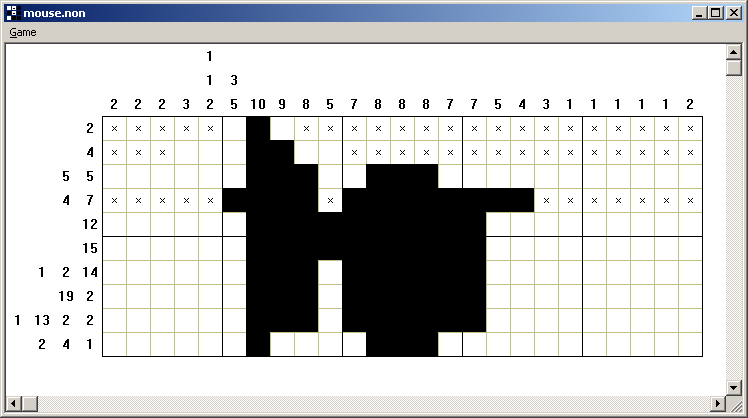
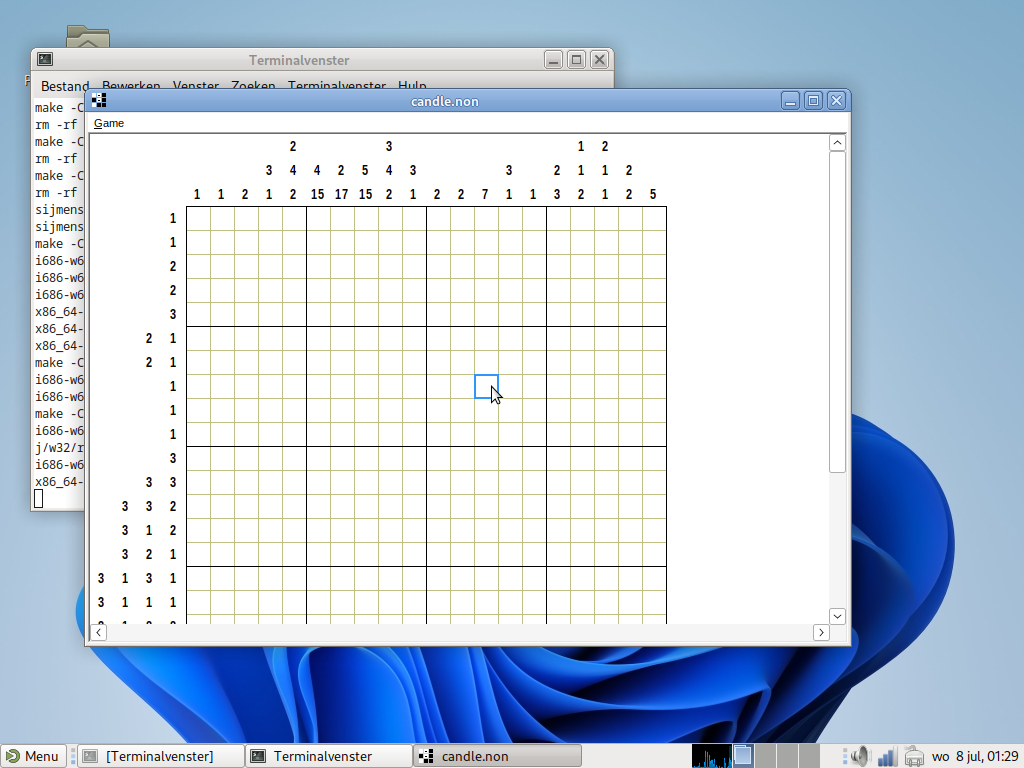
This is my first year participating in the Old Computer Challenge. I’ll be working on my nonogram game:
Nonogram (also called Japanese puzzles, picross, paint by numbers, etc) game for Windows. Supports puzzles in Steve Simpson's non format. Find some in nonogram-db by Michael Terry!
The goal is to make an enjoyable, polished game that works on legacy and modern Windows versions.
This project was already underway, but I’m taking this opportunity to pick it up again and make some progress.
I’ll mostly be developing on my Dell Inspiron 510m running Windows XP and Visual C++ 6 (although the code is in C). I’ll post updates below as I go.
I ripped out the fancy Makefile cross-compilation framework because the build matrix was getting overwhelming. So now it’s Visual C++ 6 for the 32-bit build, and Visual C++ 2026 for the 64-bit build, and that’s it – nice and simple!
Today I pulled out the Windows 11 laptop (not quite Old Computer, I know…) to test properly with the precision touchpad scrolling, and guess what, it was very janky and horizontall scrolling didn’t work at all! Got that sorted.
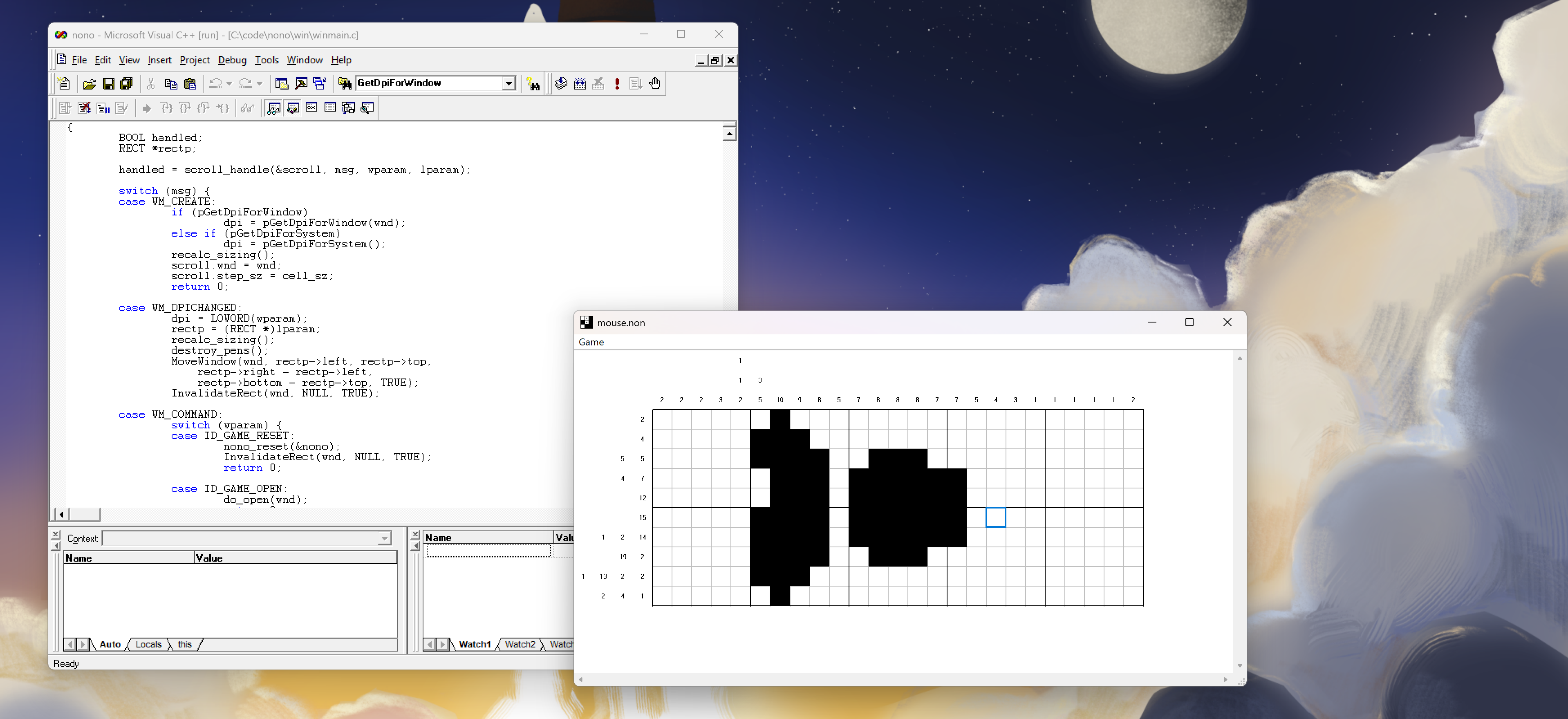
That laptop happens to have a high-DPI screen, and the game looked very blurry on it with the 1.75x scaling factor because I hadn’t yet implemented high-DPI support. Took the opportunity to implement that right away! It’s not quite perfect, e.g. the hint fonts aren’t scaled, but it’s a good start. Now the Windows SDK at the time of Visual C++ 6 didn’t have these functions, so to make it compile and work there too, I’m loading the DPI functions dynamically with LoadLibrary() and then GetProcAddress().
Here’s the scaling in action at 192 DPI:
Available on the Releases page again!
Wednesday 8 July
Some good progress! Extracted the scrolling behavior, added mousewheel support (including horizontal scrolling with Shift), fixed the light grid lines color, and simplified the drawing replacing all the scrolling offsets by a single SetWindowOrgEx() call to have GDI do it for me.
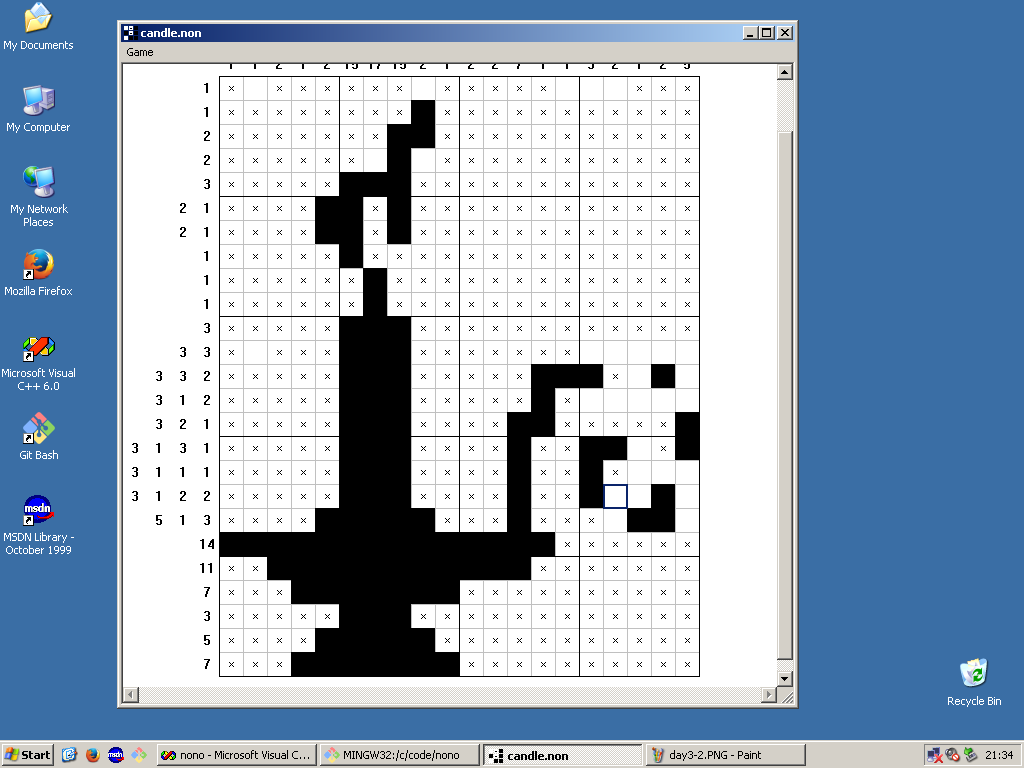
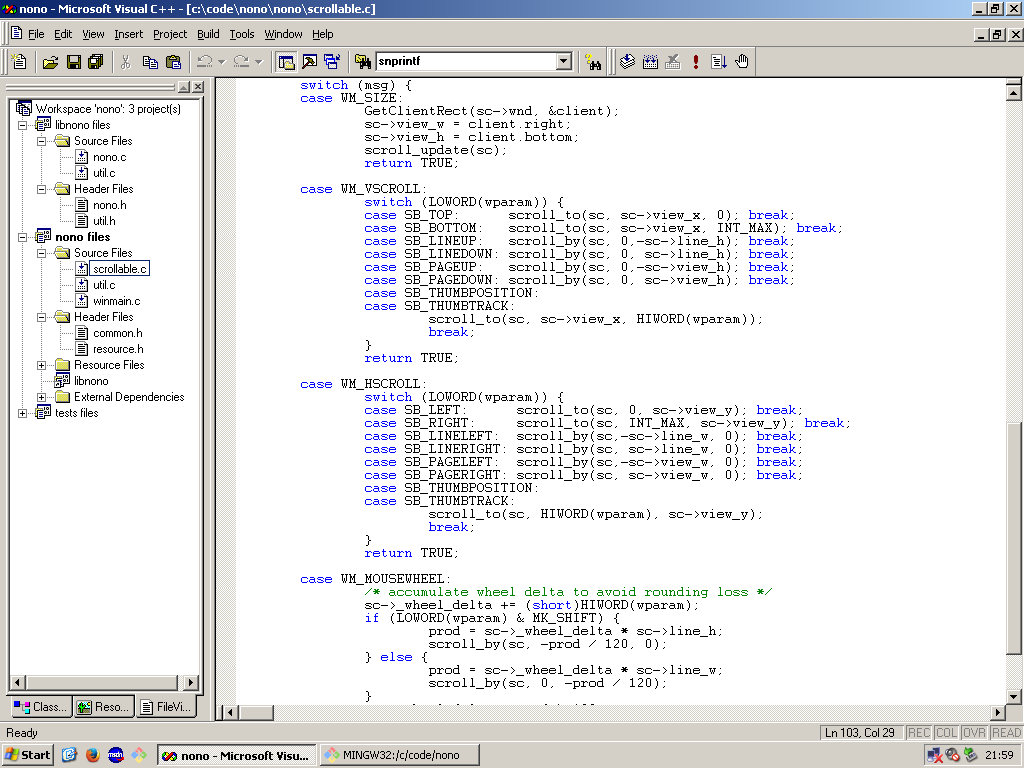
A new build is available on the Releases page.
Tuesday 7 July, written Wed.
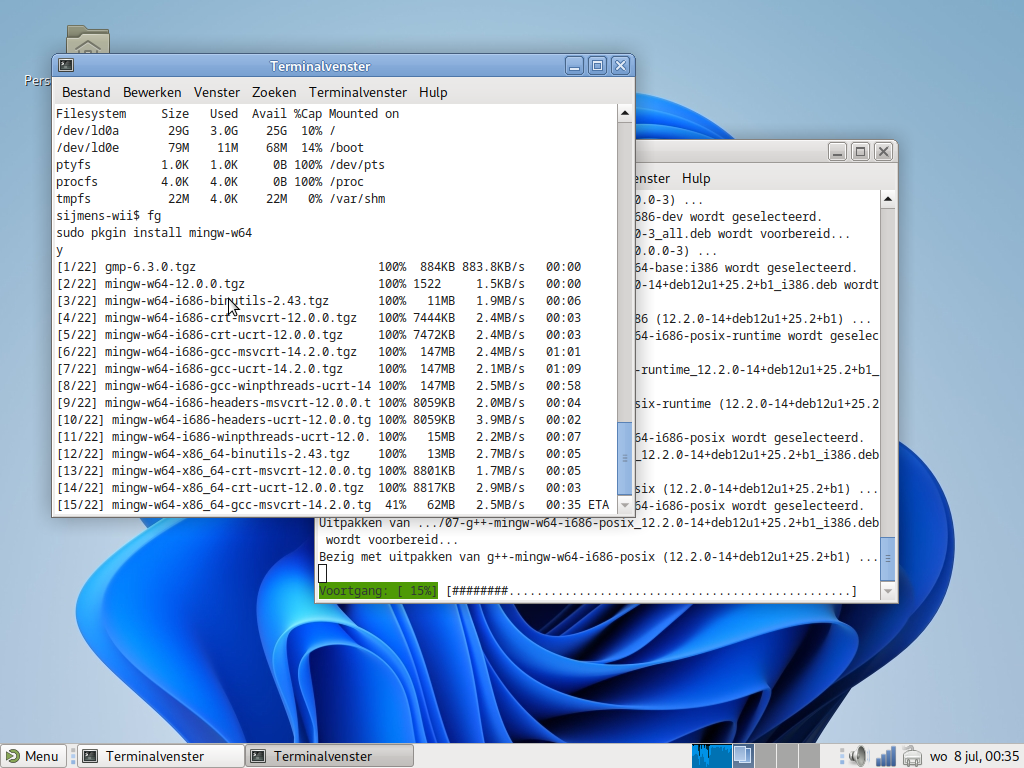
Had a bit of fun last night cross-compiling the game from
a few different devices – including the NetBSD-running Nintendo
Wii, which manages to run an up-to-date MinGW toolchain in its 64 MB
of memory! For bmake ABIS="host w32 w64":
| Machine | OS | CPU | RAM | Time |
|---|---|---|---|---|
| ThinkPad X1 gen 14 | Debian 13 | Core Ultra 7 356H | 32 GB | 0.46 |
| Dell Inspiron 510m | Debian 12 | Pentium M 1.7 GHz | 1 GB | 50.48 |
| Nintendo Wii | NetBSD 10.1 | IBM Broadway 729 MHz | 64 MB | 3:25.05 |
I’ve also set up a Visual C++ 2026 project for the game, and after some minor tweaks that compiled with some int conversion warnings. Now I’m tempted to set up some automatic build system that runs on the Wii as well as a Windows machine that does a three-way MinGW, VC++ 6, VC++ 26 build…
Monday 6 July
Starting off distinctly not Old Computer: since I want to do some work on this while commuting, I got a Linux build going with the MinGW cross compiler, and it got a bit out of hand – I ended up writing an entire bmake-based modular project framework with cross-compilation! Good fun though.
I’ve been working a bit on this over the weekend too, however, when I first implemented flicker-free redraw (without double buffering!) and then scrolling, which is rather low-level with Win32. There’s still some work to be done there, for example mousewheel, touch and keyboard-based scrolling.
—Sijmen J. Mulder, 2026